
This week, I'm getting the blinds moving and bringing the server behind the smart home up to date. One involves brackets and a remote; the other definitely starts with a backup. There is also a useful Home Assistant update for those moments when the house does something and you wonder why.
The easiest smart blinds I have ever installed
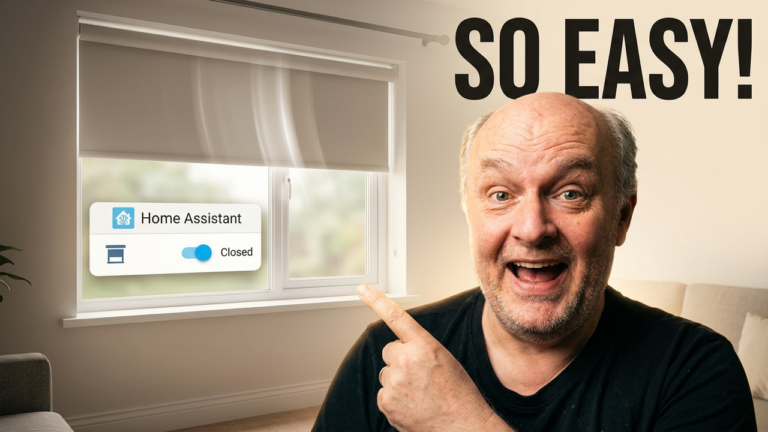
Friday's main video follows the SmartWings Zigbee roller blinds from custom ordering and unboxing through to fitting the brackets and pairing the remote. Then it is into Zigbee2MQTT and Home Assistant to get them working as part of the smart home.
The setup includes solar charging and local control, with automated controls in Home Assistant. If smart blinds have been on your list, this is the complete installation rather than just a quick look at them going up and down.
Watch the SmartWings installation
Proxmox 8 to 9: back up first, upgrade second
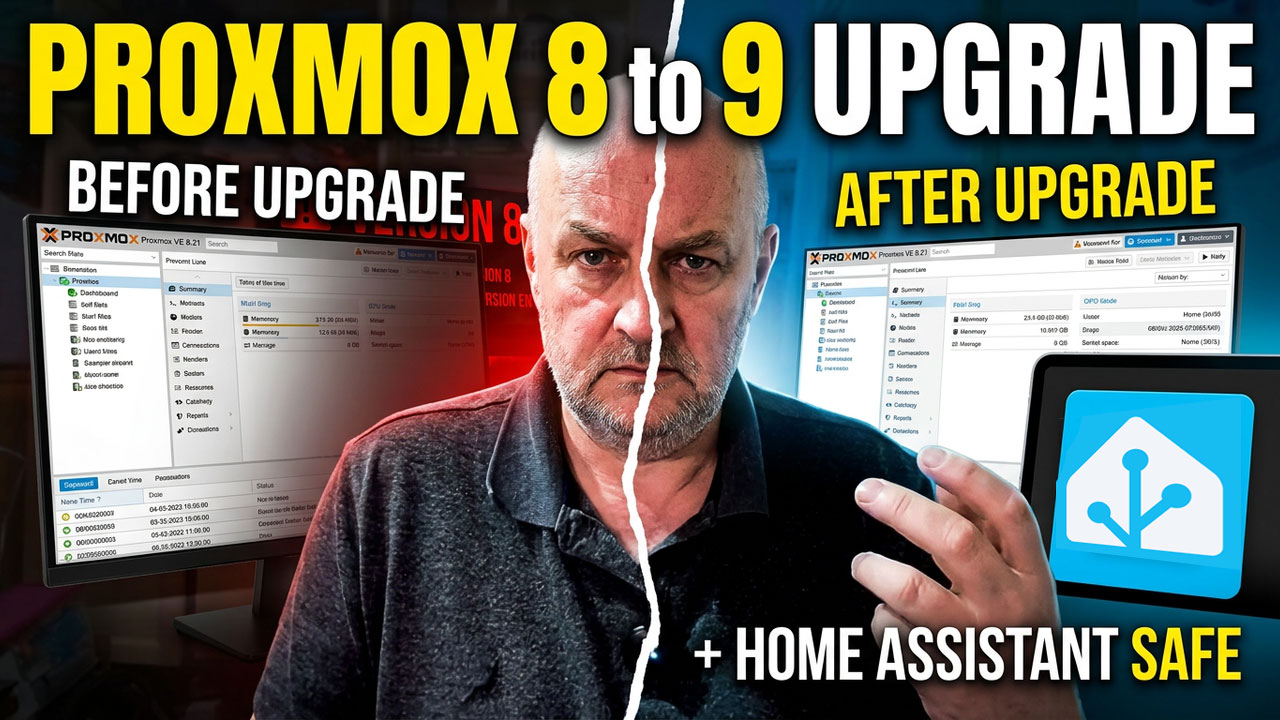
If Home Assistant lives on your Proxmox server, a major upgrade deserves a little preparation. In this walkthrough, I take my Proxmox 8.4 host through the move to Proxmox 9, starting with Home Assistant, VM and container backups, including a copy off the host.
I run the upgrade checker, work through the repository changes and deal with the boot-package and Intel microcode warnings on my machine. After the upgrade, I check Home Assistant and the attached hardware. Your host may need different fixes, so use the official guidance for your setup and resolve errors before rebooting.
The written upgrade guide is available too, so you can read through the process before starting.
Read the written upgrade guide (PDF)
Why did that blind just close?
Home Assistant 2026.9 adds more useful detail to Activity. Select an entry and you can follow what started the change, the automations or scripts involved, and the resulting device state. You can also jump straight to an automation's trace.
That makes Activity a useful first stop when a blind closes unexpectedly or a light seems to have a mind of its own. Check the chain of events before rewriting the automation. The official release notes explain the new view.
Read the official Home Assistant explanation
Thanks for reading. What would you automate with smart blinds? Reply to the email or leave a comment on YouTube.
Some product links may be affiliate links. If you buy through one, WrongWords On Porpoise may receive a small commission at no extra cost to you.