
Why You Should Back Up Your Backups

Backing up Home Assistant When Things go wrong, they will when you least need them to! You may need to restore the backup When you install updates, you should always tick the box to do backups But to be doubly…
Long Version Videos
Backing up Home Assistant When Things go wrong, they will when you least need them to! You may need to restore the backup When you install updates, you should always tick the box to do backups But to be doubly…
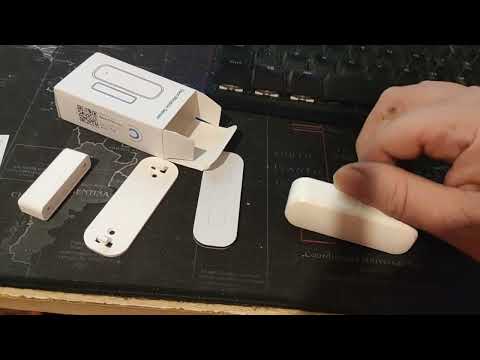
Setup a WiFi Tuya Bulb in the Tuya app and Home assistant You will need the Tuya app installed on your phone and the Tuya integration setup in Home assistant – Links to Videos Adding a Tuya Device and Installing…
Adding A Smart Plug (Tasmota) to a network and connecting it to Home Assistant To follow along you we will need Home assistant and an MQTT broker service installed and Excuse the death rattle in my voice, a bad case…
Install MQTT in Home Assistant – It is a service that is used by other parts of Home Assistant. Videos on Tasmota and zigbee2mqtt – coming soon
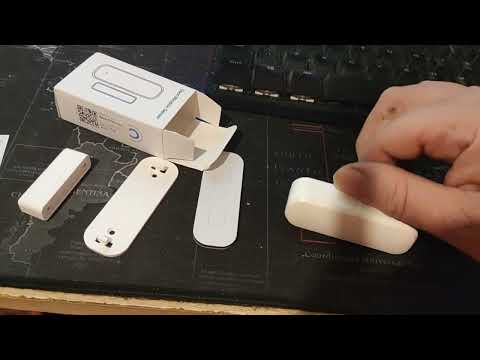
Install Tuya and not make it a mystery Install a sensor sensor using the Tuya app and add to Home assistant
Leap Buildings in a single bound Faster than a Locomotive Wear your underwear on the outside Get access to all home assistant menus – Watch here to find out how? Give full functionality to your smarthome

Start your home assistant Virtual Machine Automatically Start your virtual Machine Automatically Advanced user Switch on Advanced Mode in Home Assistant

A short video on how the Internet works – TCP/IP (Without a scratch in sight) – routers and other interesting stuff. Plus, how to find out your own address See here – How does the internet work
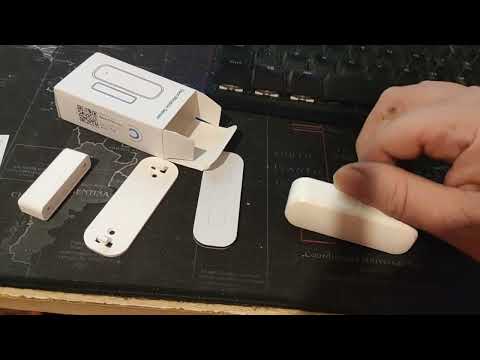
New Video Released –Adding a Tuya Device to Home Assistant Add a WiFi door/windows sensor to the Tuya/Smart home app and then add Tuya to Home Assistant
My Launch Video – shows how to install home assistant on a Windows PC – as a tryout Trying Home Assistant covers all the basic and tells you what to do